100K particles from a zip file
Rescuing an AI Studio WebGL export to build a 100,000-particle galaxy simulator with custom GLSL shaders and warp-drive steering.
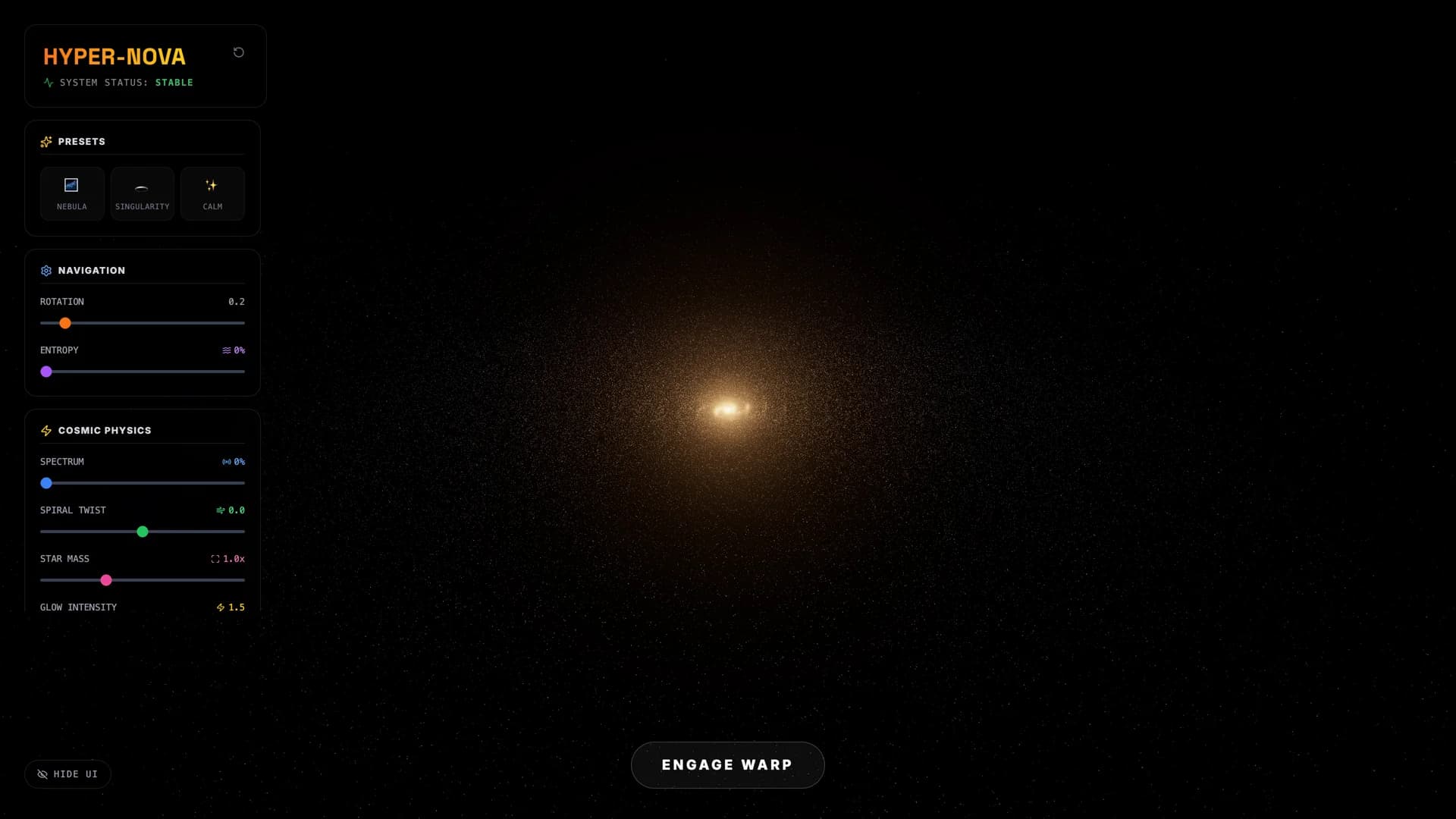
Galactic core (Calm preset) — 100,000 particles orbiting the central supermassive core with real-time GLSL shaders.
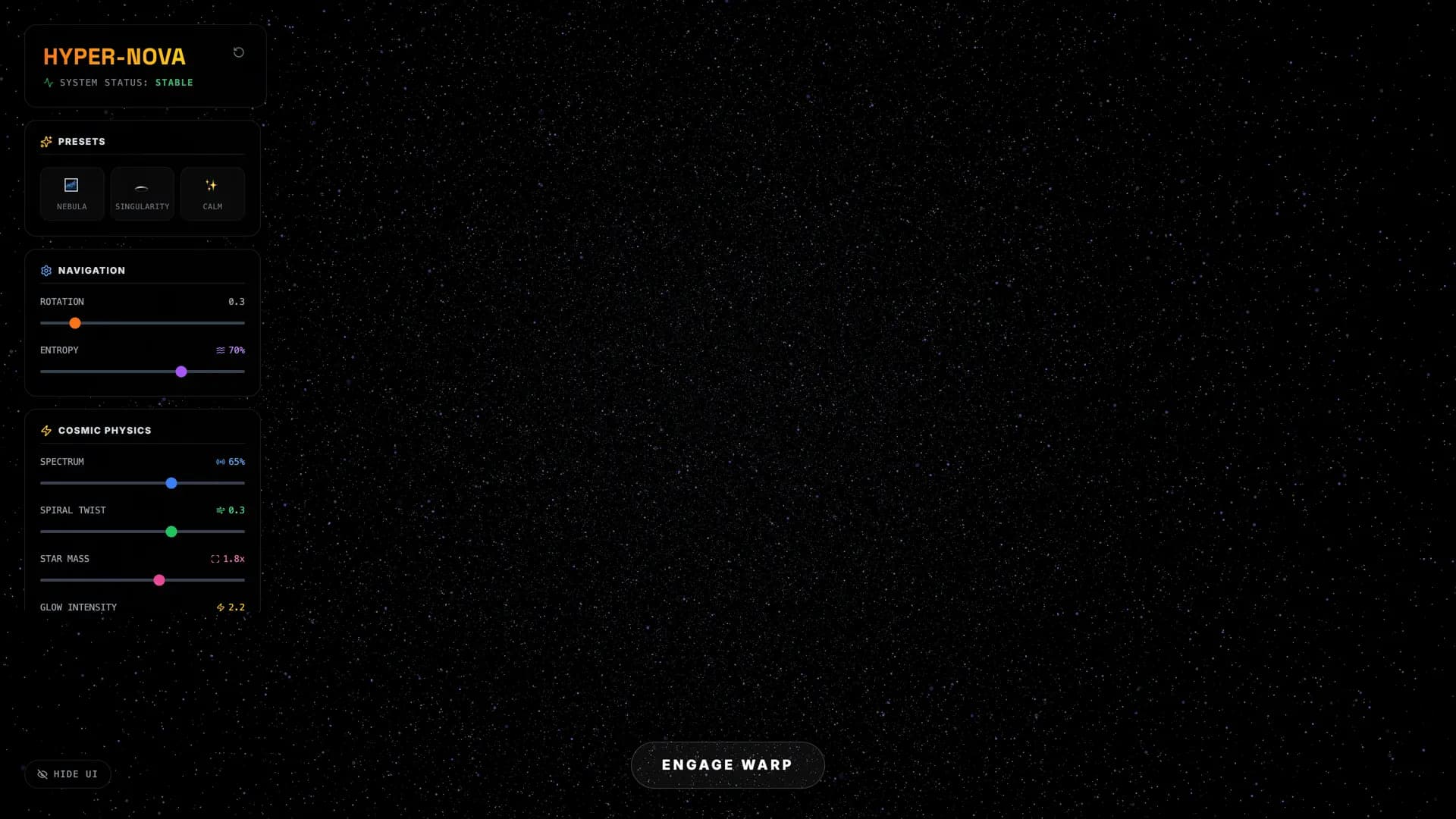
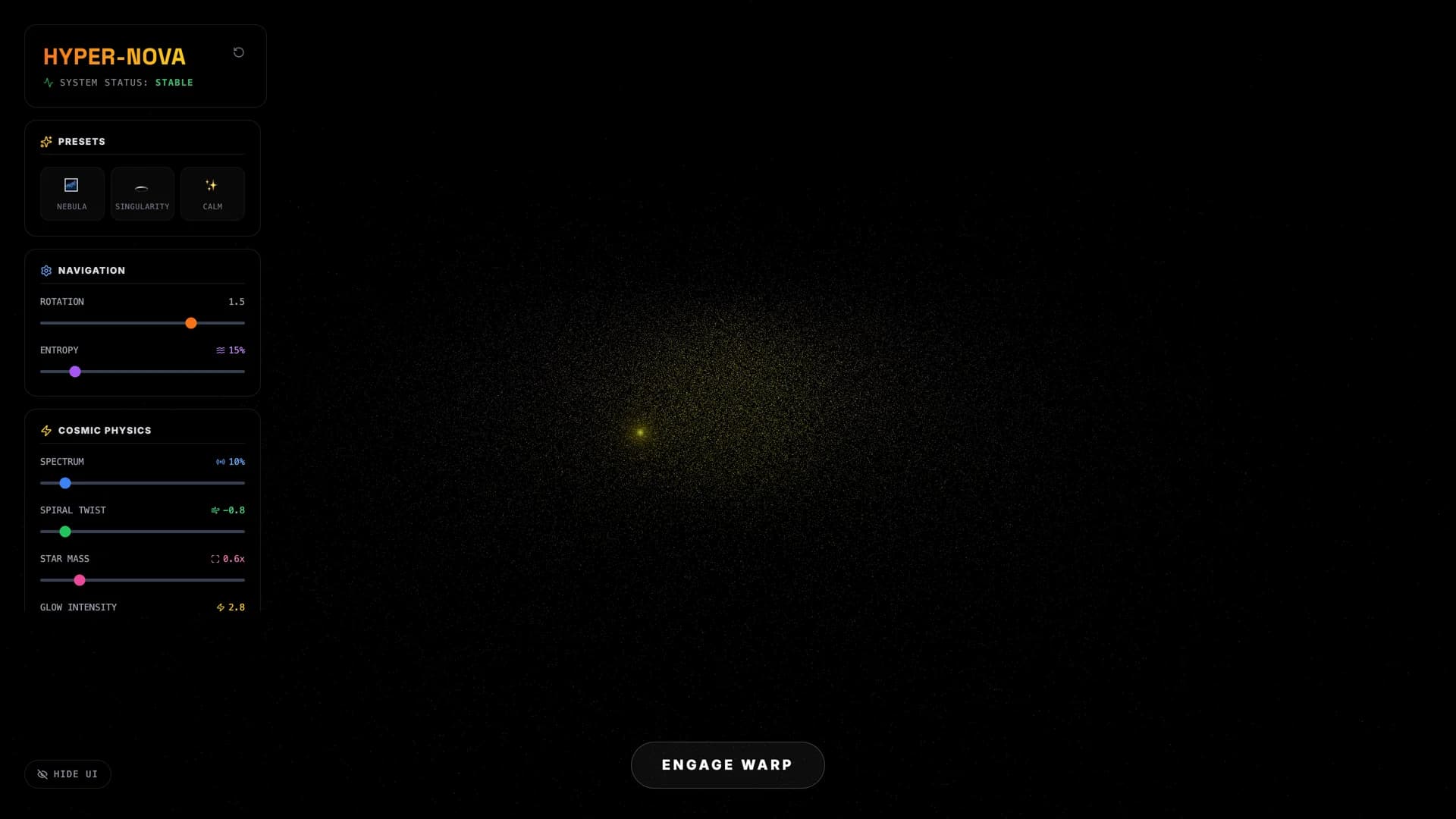
Opened an AI Studio export expecting the usual Gemini API scaffold and found a complete galaxy simulator — 100,000 particles in a three-armed spiral, custom GLSL vertex shaders doing Rodrigues-rotation hue shifting, and a warp-drive tunnel with chromatic aberration. No AI features, no API calls. Pure WebGL.
Getting it to actually render required fighting React's StrictMode double-mount, which created two overlapping canvases and hid the galaxy behind a blank black screen. Three lines fixed the rendering; a proper cleanup pass caught the memory leaks hiding behind it. After that, the galaxy just worked — seven slider controls manipulating shader uniforms in real time, orbit camera, UnrealBloom post-processing.
The polish pass made a deliberate call: desktop only. Dropped the mobile touch concerns and focused on what sells a particle simulation — glassmorphic panels, instant presets, and a warp-drive experience where you steer with your mouse while the tunnel bends around you with velocity-damped camera banking.
Timeline
Unzipped an AI Studio export and found 100,000 particles forming a spiral galaxy with custom GLSL shaders. Not a scaffolded skeleton — actual vertex shaders doing Rodrigues-rotation hue shifting, per-particle entropy blending between spiral positions and random spherical scatter, and a warp-drive tunnel built from 4,000 line segments with chromatic aberration in the fragment shader. Three separate ShaderMaterial instances: one for the galaxy particles, one for the warp tunnel, one for a destination singularity with pulsing core and ring ripples. The recon pass fixed three blocking bugs — a CDN import map conflicting with Vite bundling, a dead stylesheet 404, and a requestAnimationFrame leak on unmount — and it booted clean on the first try after that. No Gemini API calls anywhere despite the env var being present. Pure client-side WebGL. This one's worth the kitchen time.
Got the galaxy running and then couldn't see it — black screen, no errors, 100K particles rendering into the void. React 18 StrictMode double-mounts components, so the useEffect in Scene.tsx created two WebGL renderers and appended two <canvas> elements to the same container ref. The second canvas stacked on top of the first, opaque black, hiding everything. Fix was three lines: clear the container's children before appending the new renderer. While I was in there, found OrbitControls and the singularity mesh weren't getting disposed on unmount — a memory leak that would compound if the user navigated away and back. After the StrictMode fix and cleanup pass: full galaxy rendering, all 7 slider controls live (rotation speed, entropy, spectrum shift, spiral twist, star mass, bloom strength, singularity depth), warp drive engaging with camera shake, FOV distortion, and mouse-steerable tunnel. Zero console errors, clean production build.
The user said "don't worry about mobile" and that one sentence shaped the whole polish pass. Instead of splitting effort between touch events and responsive breakpoints, the cleanup focused entirely on the desktop WebGL experience — the thing that actually sells a particle galaxy. Added glassmorphic control panels with backdrop-blur-md, three instant presets (Nebula scatters particles into a purple cloud, Singularity cranks twist to −0.8 and lights up the destination core, Calm dials everything to zero), and a Hide UI toggle that strips the chrome so you're just floating in the galaxy. The warp tunnel steers with mousemove — cursor position maps to camera group position through velocity smoothing and a 0.9 damping factor, with roll banking on horizontal steering. The fragment shader adds chromatic aberration that increases with distance from center and brightens on hard turns. Skip mobile, nail the viewport.