Building the Globe → Map Transform
Morphing a 3D globe into a flat map with real projection math — custom d3 projection interpolation, back-face culling, and great-circle connection arcs.
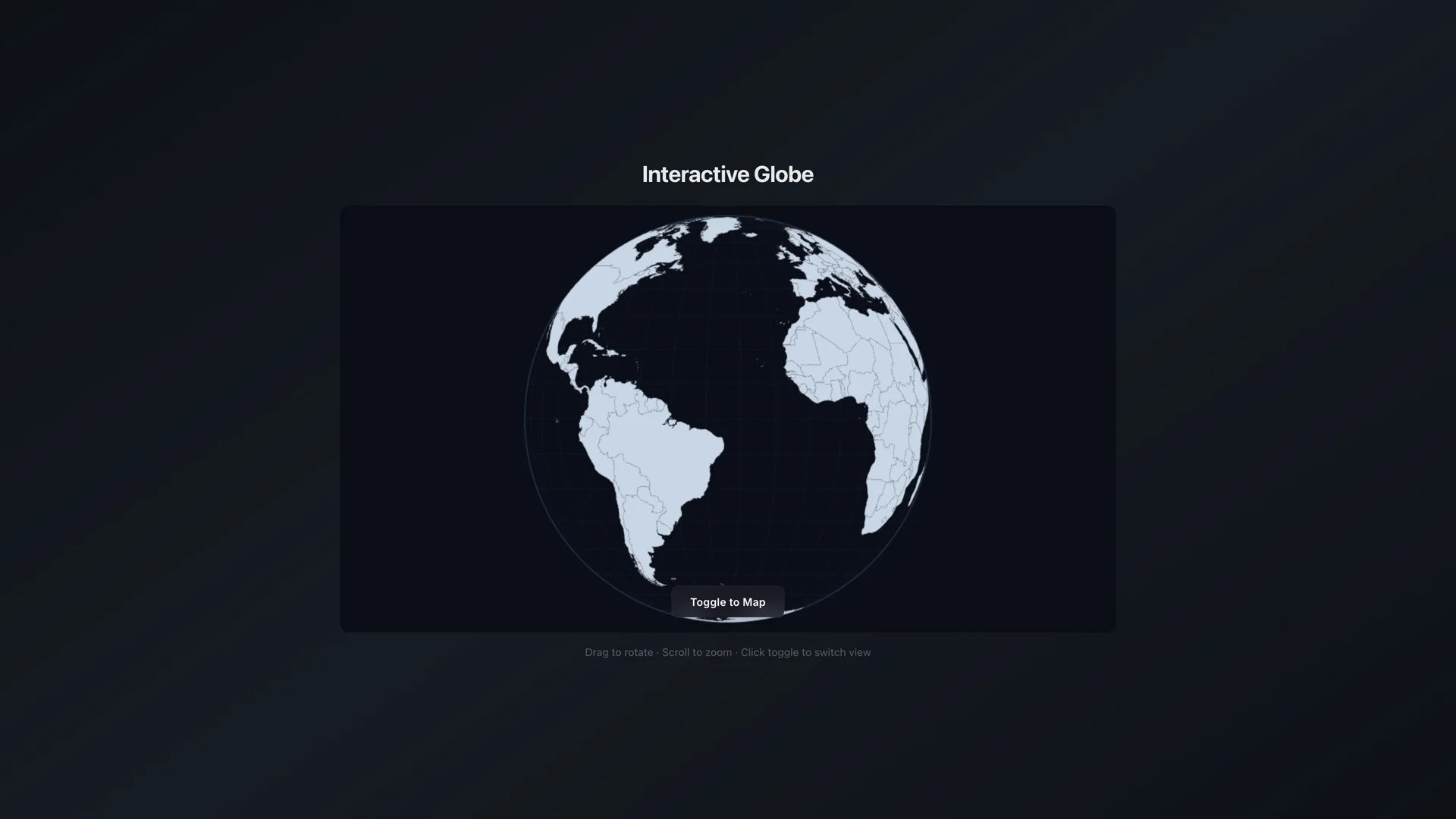
3D Globe view — orthographic sphere rendered on HTML5 Canvas with TopoJSON landmasses.
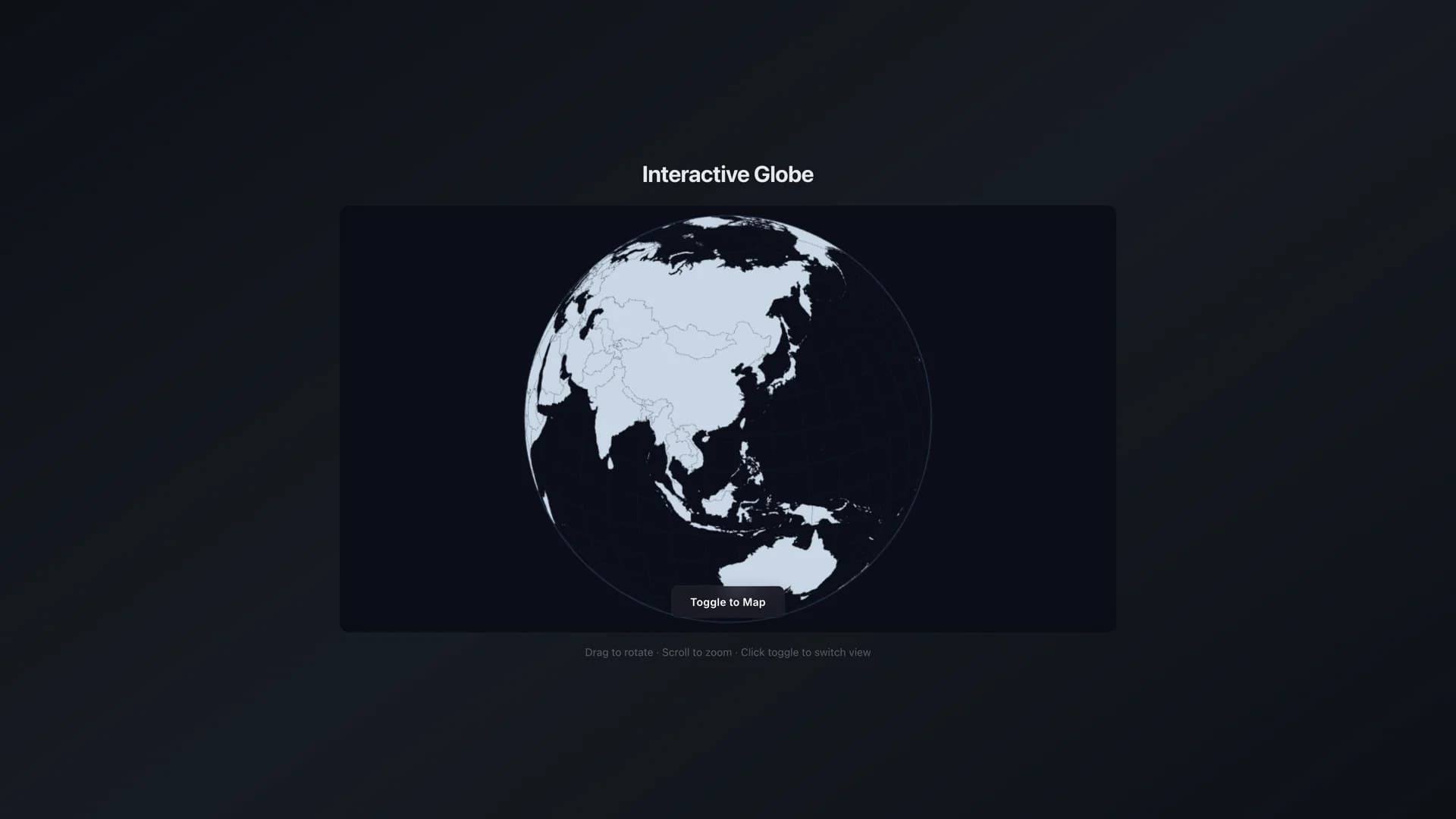
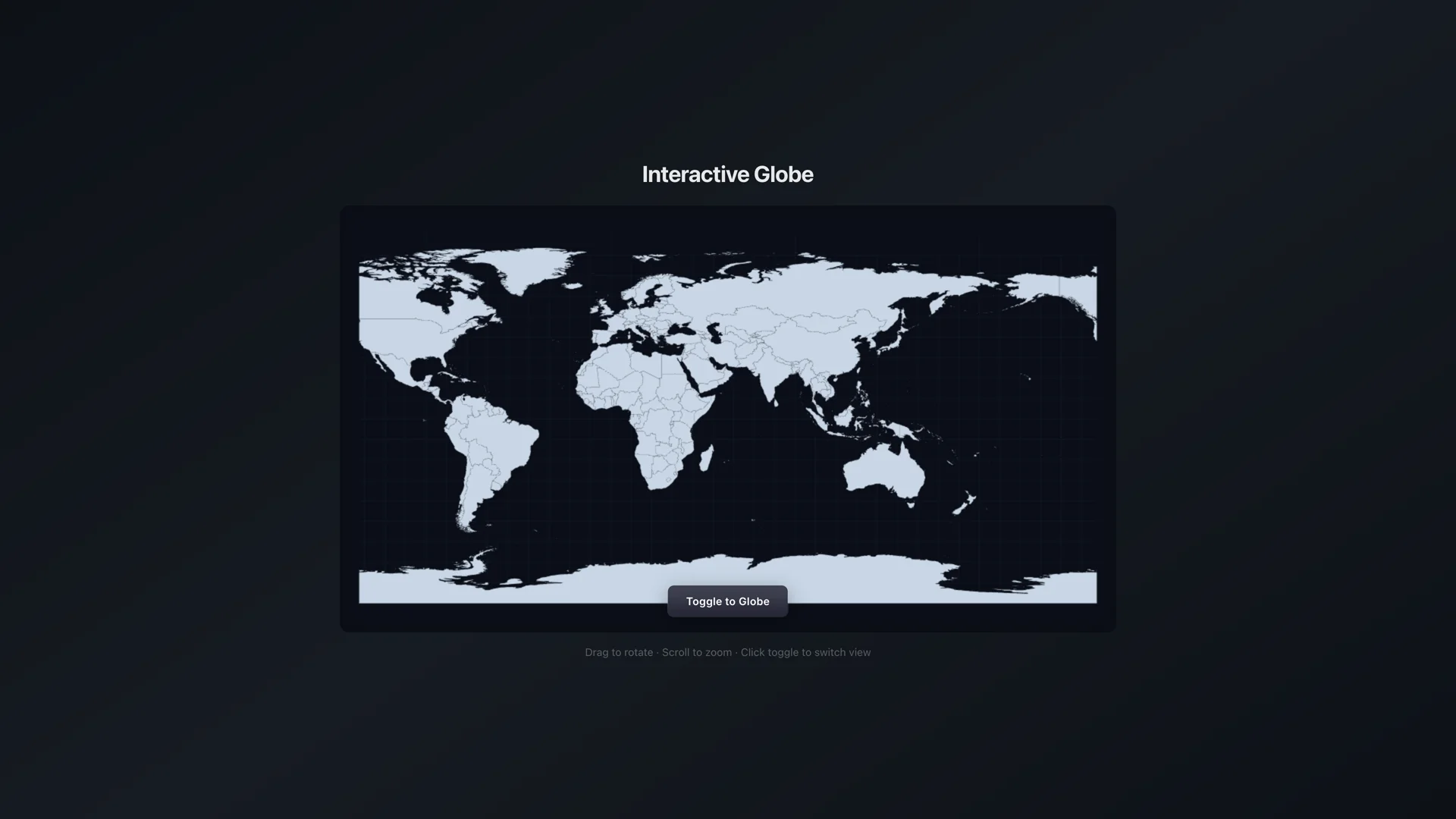
What if you could watch a globe literally unfold into a flat map? Not a crossfade, not a tween — every pixel following real projection math as the sphere deforms into an equirectangular plane.
This thread tracks the build from the initial insight (interpolate the projection functions, not the coordinates) through the hard problem (d3's clip boundary causing morph artifacts, solved with manual back-face culling) to the polish pass (great-circle connection arcs, drag momentum physics, atmospheric glow, and instant theme reactivity).
Latest Update
Globe to map UI debugging
Sun, Aug 2, 2026
Timeline
What if you could watch a globe unfold into a flat map? Started experimenting with morphing between d3's geoOrthographic and geoEquirectangular projections. The naive approach — tween the pixel coordinates — looks terrible because it breaks geographic truth. Points slide across oceans. The insight: you need to interpolate the projection functions themselves, not the output coordinates. Built a custom hybrid projection that blends the two math functions with a morphFactor uniform. Every pixel follows real projection math through the transition. First prototype is janky but the concept works.
d3's built-in clip boundary was causing ugly artifacts during the morph. As the projection transitions from spherical to flat, points near the globe's edge would flicker in and out of the clip region. The fix: manual coordinate projection with custom back-face culling. Instead of letting d3 decide what's visible, I calculate the dot product between each point's normal and the view direction, then fade points smoothly as they approach the horizon. No more flickering. The morph is now continuous and smooth at 60fps — the sphere literally deforms into a flat map without any seams.
Added connection arcs between six cities — great-circle paths with animated pulse particles traveling along each arc. The arcs follow true geodesic routes (not straight lines), so the London→Tokyo arc curves north over Siberia like a real flight path. Each arc has tiny particles that pulse along it, giving the globe a sense of network activity. Also added drag momentum — spin the globe and release, velocity decays naturally with a friction coefficient before auto-rotation resumes. Plus a subtle atmospheric glow gradient at the sphere edge. The whole thing is theme-reactive like the dot matrix globe — colors swap instantly on dark/light toggle without unmounting the canvas.
Resolved layout bugs where Tailwind CSS rules were clashing with the WebGL canvas, ensuring the transition from the 3D globe to the flat 2D map remains visually seamless.