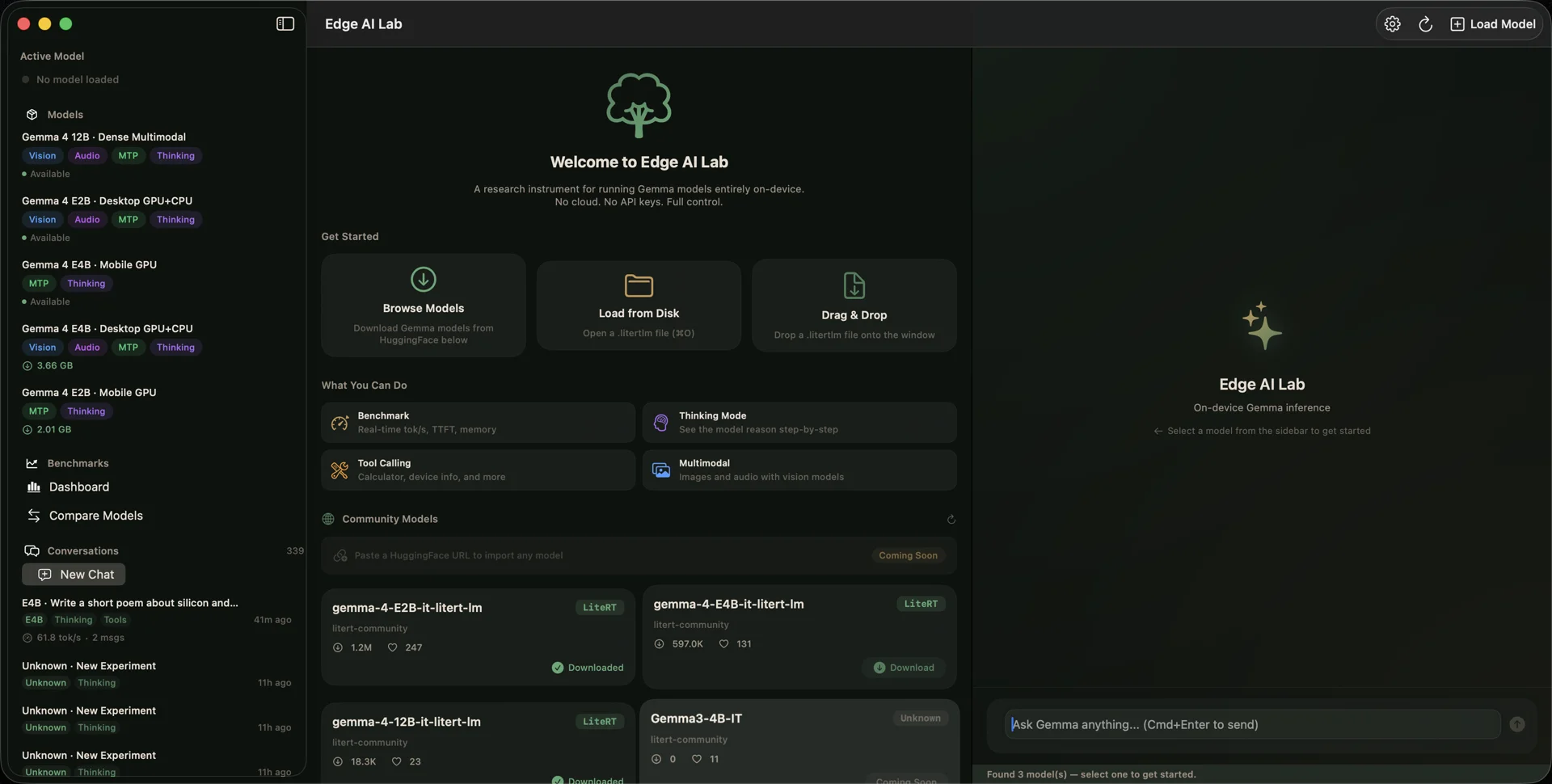
Edge AI Lab
Research-grade on-device Gemma 4 inference for macOS and iOS — three backends, custom eval framework, and not a single byte to the cloud.
Gemma 4 family · macOS & iOS · 3 inference backends · 0 cloud
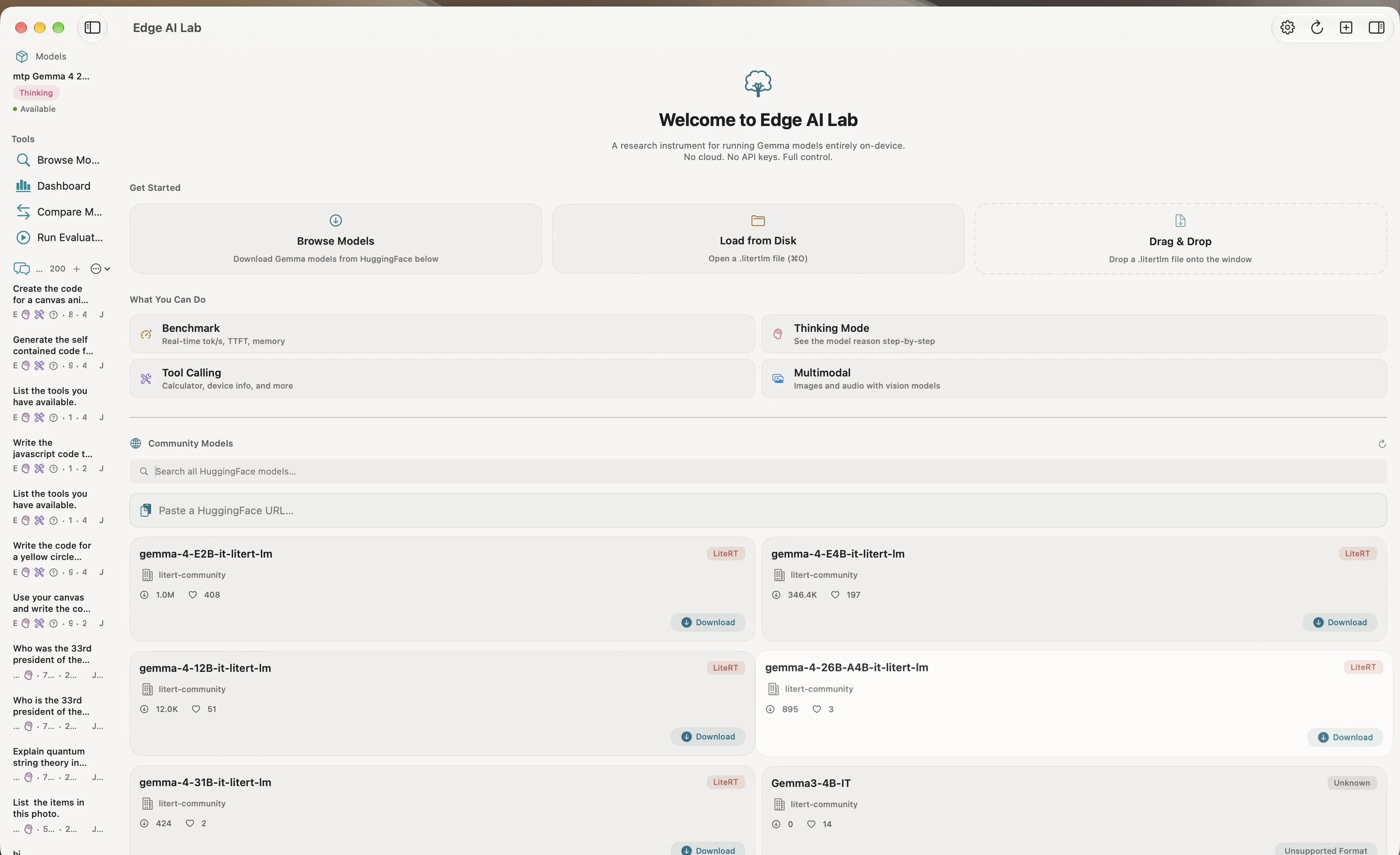
Model gallery, HuggingFace search, 200+ conversation threads, and quick-start actions — a research instrument that happens to look good.
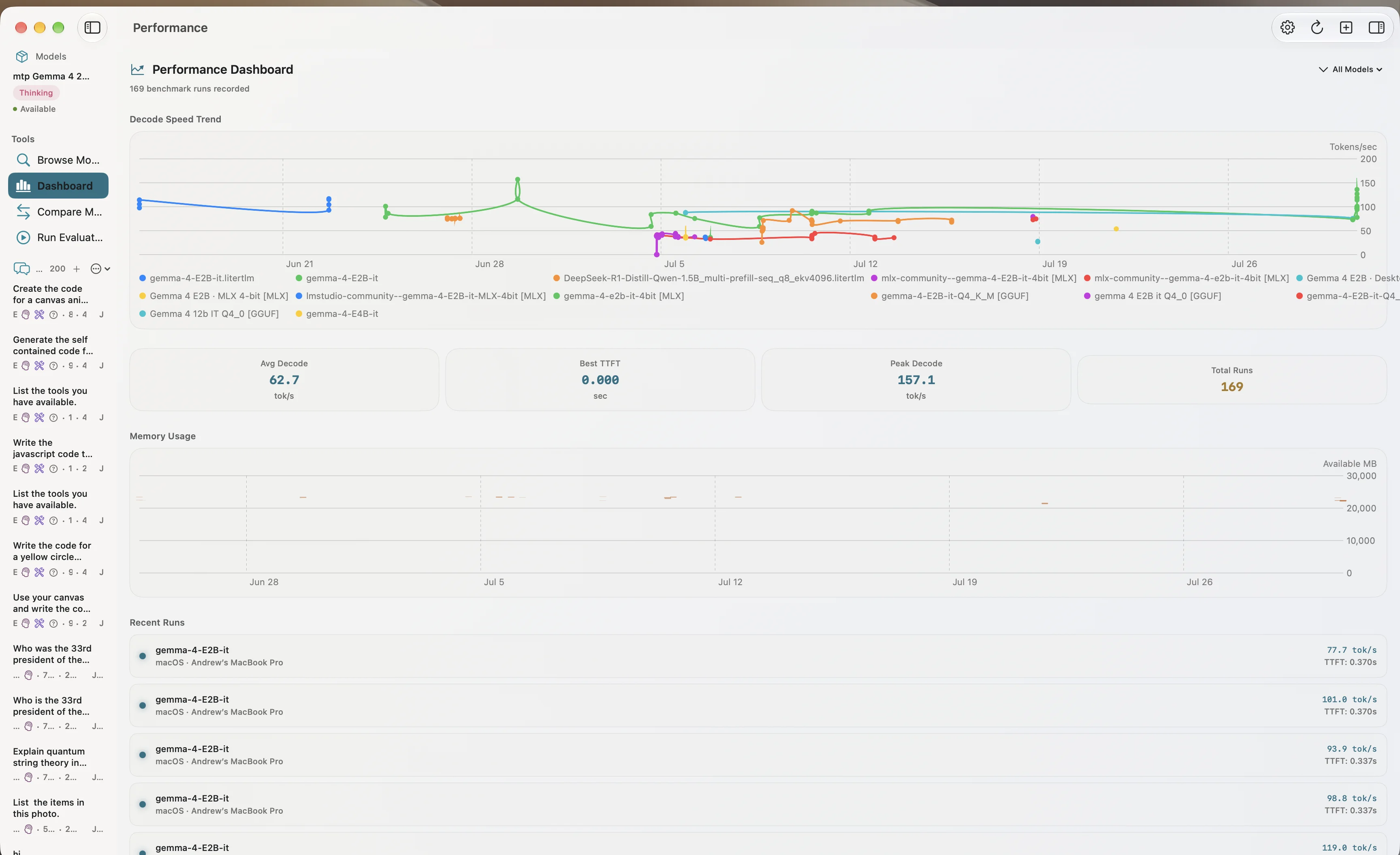
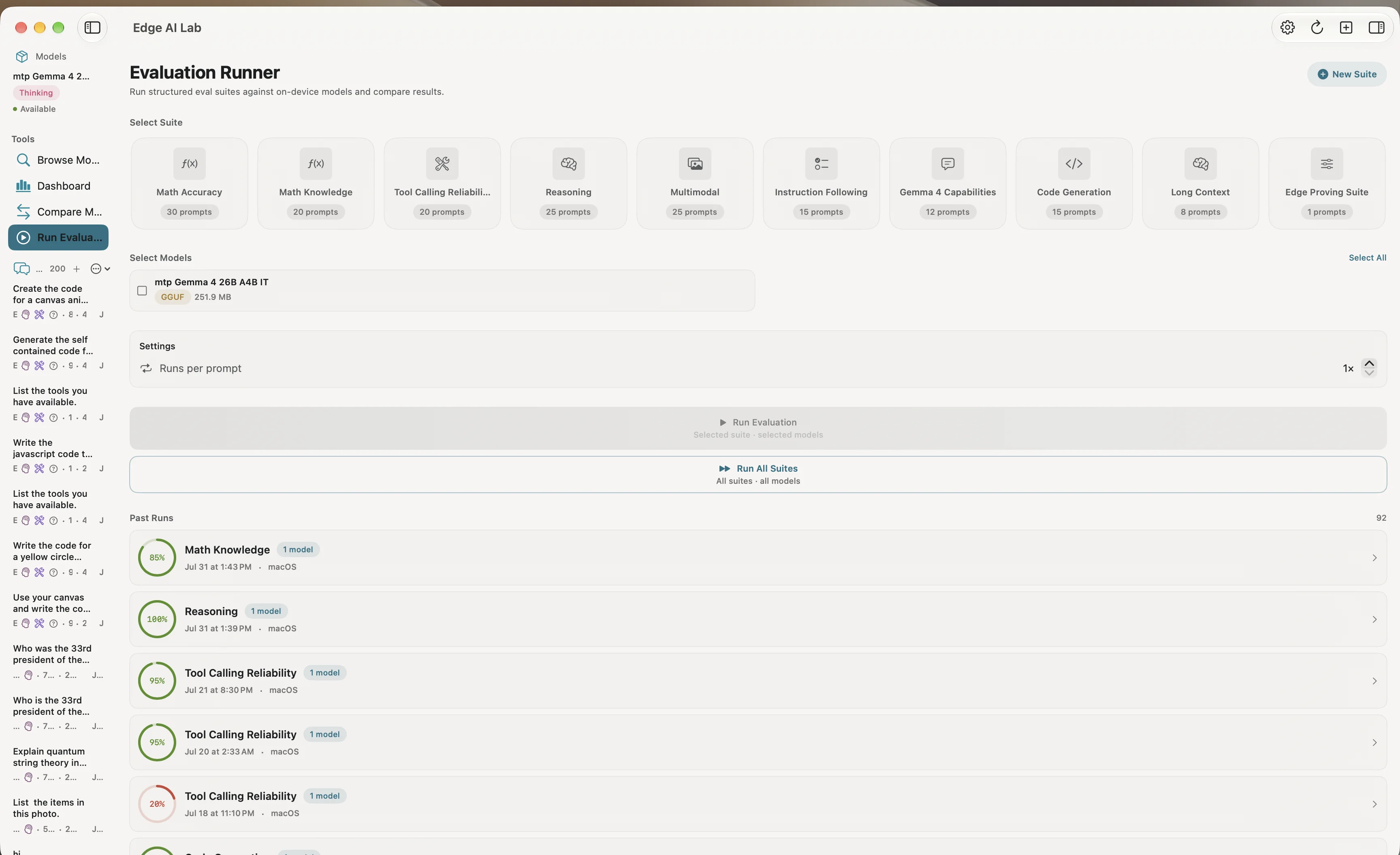
A fully-featured macOS and iOS app that runs Google's Gemma 4 model family entirely on-device — from the 2B MoE to the 12B Dense — using three inference backends: LiteRT-LM, MLX, and llama.cpp. No API keys, no cloud round-trips, no demo mode. E2B Standard hits 100.7 tok/s on M4 Max. The 12B Dense runs at 0.57 tok/s, and that number is in the export because Edge AI Lab doesn't hide unflattering results.
Why this exists
LM Studio, Ollama, and Jan all answer "can I run LLMs locally?" with gray terminal windows and opaque settings. Edge AI Lab asks a sharper question: how well does Gemma 4 run on your specific hardware, with settings you can reproduce? And it answers with an app that treats on-device AI as a first-class platform citizen — a curated "Dark Forest" design system, per-capability iconography, accessibility-first animation tokens, and benchmark cards you can share like GeekBench scores.
What it does
| Feature | Description |
|---|---|
| Three inference backends | LiteRT-LM, MLX (Metal-native), and GGUF (llama.cpp) behind a unified protocol |
| Eval framework | 10 built-in suites (Math Accuracy, Math Knowledge, Tool Calling, Reasoning, Multimodal, Instruction Following, Gemma 4 Capabilities, Code Generation, Long Context, Edge Proving Suite), custom suite editor, batch "Run All" with time estimation |
| Tool calling | 6 on-device tools (calculator, date/time, device info, unit converter, text analyzer, system health) the model invokes autonomously |
| Agent mode | Fuzzy termination, retry logic, structured error classification — the model as an instrument, not just a chatbot |
| Paste & Go imports | Paste a HuggingFace or Kaggle URL → app infers capabilities → downloads → inference. ⌘I on macOS |
| Deep benchmarking | Per-token latency distributions, P95 metrics, TTFT, memory deltas, thermal state tracking |
| MCP server support | Connect external tool servers via stdio JSON-RPC |
| iOS parity | Full-featured iOS app: conversation history, eval export, model hub with pause/resume downloads |
The numbers
Measured on MacBook Pro (M4 Max, 36 GB RAM), macOS 26.0:
| Model | Backend | Decode Speed | TTFT | P95 Latency |
|---|---|---|---|---|
| E2B Standard | GPU (Metal) | 100.7 tok/s | 0.143s | 16.7 ms |
| E4B Web | GPU (Metal) | 53.5 tok/s | 1.403s | 16.1 ms |
| 12B Dense | GPU (Metal) | 0.57 tok/s | 9.351s | 1716.7 ms |
Under the hood
102 Swift source files. 123 test files. 2,000+ tests. 4 CI jobs. The protocol-based engine architecture (InstrumentedEngineProtocol) means the entire test suite runs against mock engines — no real model needed for CI. Swift 6 concurrency throughout: @Observable, async/await, Sendable, @MainActor.