Interactive Globe
An AI Studio export with genuinely clever math — a custom D3 projection interpolator that unfurls a 3D globe into a flat map and back.
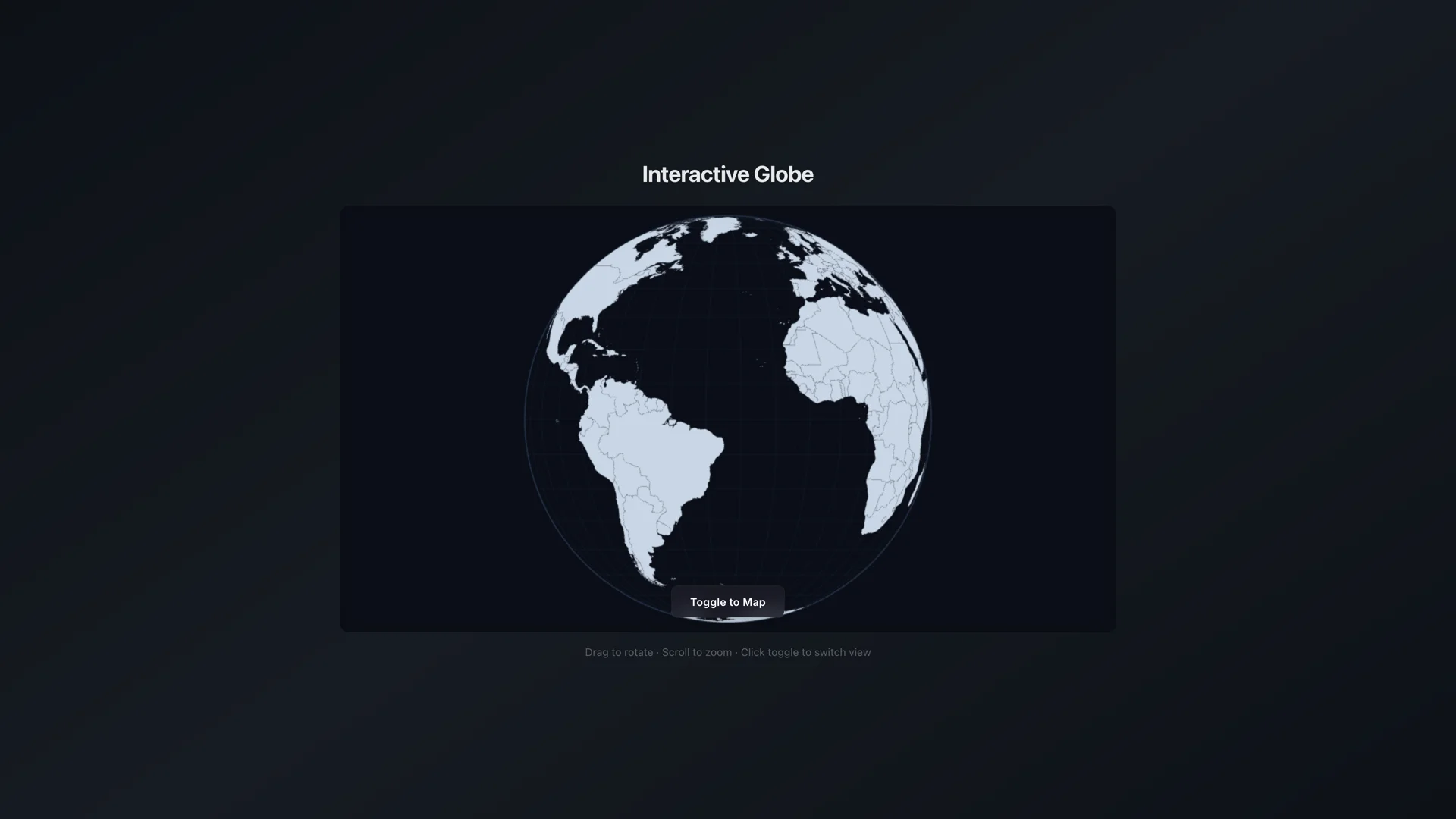
3D Sphere view — D3 orthographic projection with TopoJSON land outlines.
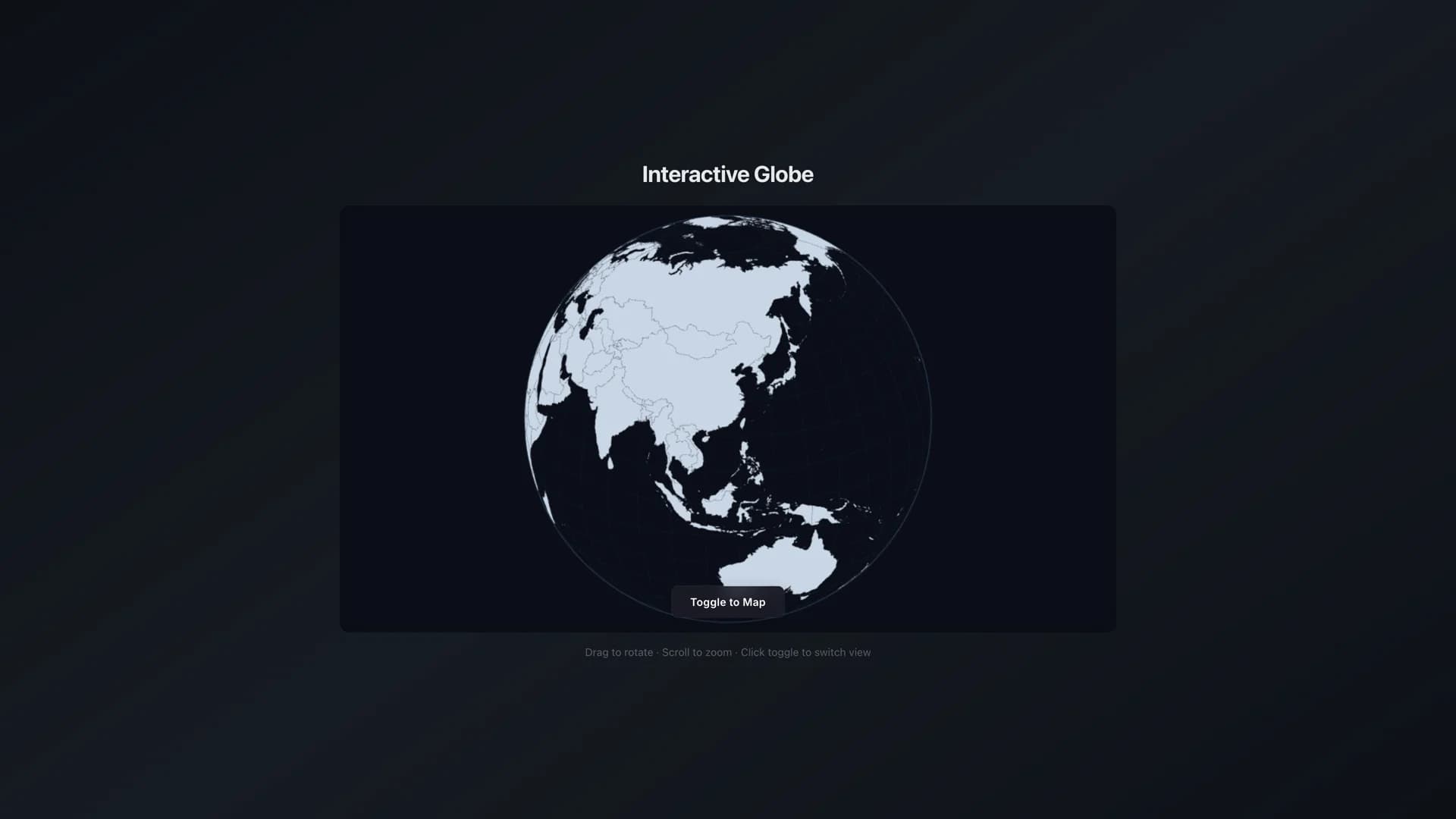
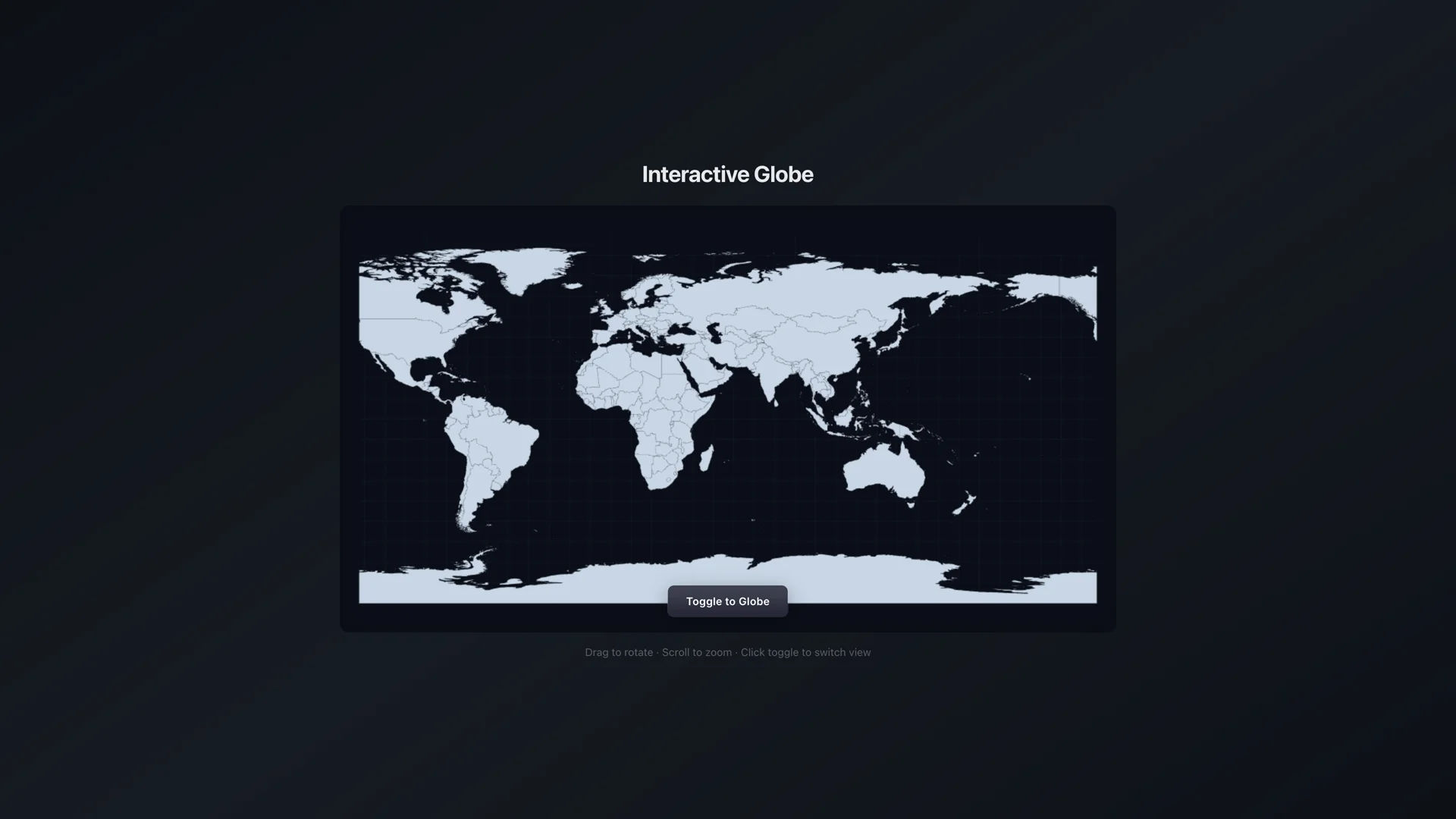
Most AI Studio exports are scaffolds with a Gemini API call stapled on. This one's different — it's 344 lines of hand-rolled projection math on a single Canvas element. No AI features, no backend, no API keys. Just D3's geoOrthographic and geoEquirectangular bridged by a custom interpolator that knows whether each point is on the front face or hiding behind the sphere.
The build arc was two sessions over six days. Session one was reconnaissance — reading every file, fixing four broken dependencies, confirming the core animation actually worked. The user thought it might be a duplicate of another globe project. It wasn't. Session two was the ship sprint — resolving a Tailwind module that was declared but never installed, cleaning out AI Studio scaffold files, capturing screenshots and a demo GIF, and pushing to GitHub.
The interesting technical detail is the unfurling effect. When the globe morphs to flat, points on the visible hemisphere interpolate their coordinates linearly. But points on the back face — the countries you can't see — emerge from the globe's edge. The interpolator calculates each hidden point's position on the sphere's limb using the Pythagorean relationship between the globe's pixel radius and the point's vertical offset, then lerps from that limb position to the final equirectangular position. It's a small piece of math that makes the animation feel physical instead of glitchy.
Two commits. 511 lines across 6 source files. Shipped to GitHub as AndrewVoirol/interactive-globe.
Timeline
D3 doesn't know how to morph a globe into a flat map. There's no d3.interpolateProjection() — you get geoOrthographic and geoEquirectangular as separate, incompatible coordinate systems. So the AI Studio export rolled its own: a CustomInterpolator that creates a synthetic d3.geoProjection, takes a blend parameter t from 0 to 1, and for each point on the sphere asks — are you on the front face or the back? Front-face points get a linear interpolation between their orthographic and equirectangular positions. Back-face points emerge from the globe's edge, calculating a start position from the circle's limb using the Pythagorean relationship between the globe radius and the point's y-offset. That's the "unfurling" effect — countries hiding behind the sphere slide out from the rim and settle into their flat-map positions. 344 lines of TypeScript, one Canvas element, zero external physics.
Dropped into another AI Studio export — reconnaissance mode, no assumptions. Read every file, chased every import, started the dev server. It's a rotating 3D globe that morphs into a flat Mercator-style map using D3 Canvas projections. No AI, no API keys, no backend — pure data visualization. First thought: this might be a copy of one of my other globe projects (I've got 5+ globe repos at this point). Spun it up, saw the unfurling animation, and realized — no, this one's different. The projection interpolation is custom math, not a library feature. Had to fix four things just to get it booting: a missing CSS file, a CDN importmap conflict, missing TopoJSON type defs, and wrong D3 type names. Verdict: the hard math is done, just needs kitchen time to ship.
Came back six days later to ship this and the globe rendered behind a giant red error. Cannot find module 'tailwindcss'. The automated cleanup had added Tailwind to package.json but the module never actually landed in node_modules. Classic AI Studio export problem: the manifest says one thing, the filesystem says another. The app only uses Tailwind on five elements — flex flex-col items-center justify-center min-h-screen and a handful of text utilities. Judgment call: install it properly or rewrite five classNames in vanilla CSS? The postcss config and tailwind config were already wired up, so npm install was the faster path. Clean install, dev server boots, globe spins, toggle works, no errors. Sometimes the fix is just running the command nobody ran.