HDR Image Generator
Exploring HDR image generation paths — CSS filters, WebGL, and what actually produces real flash-bang.
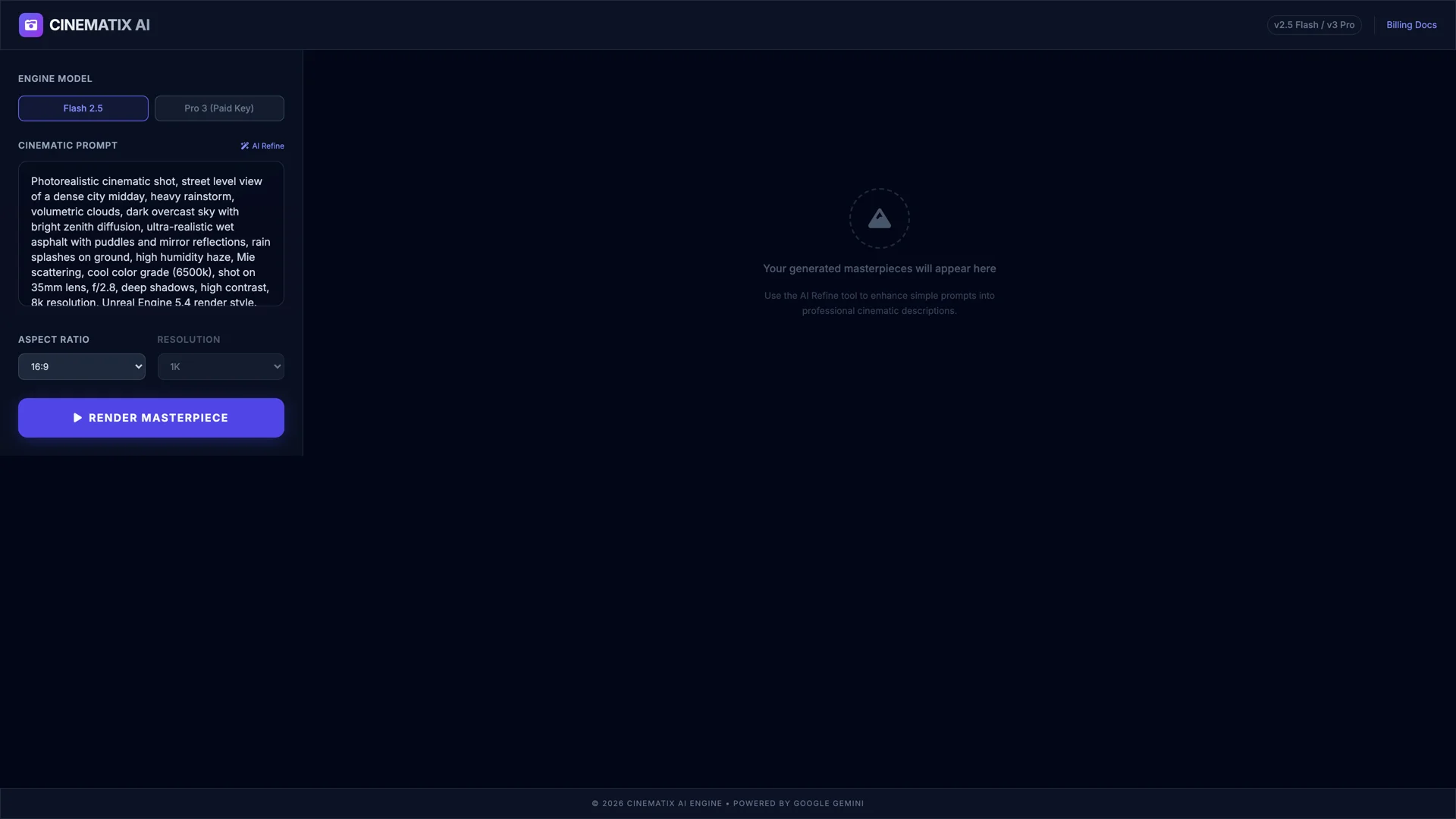
Cinematix AI — prompt architecture, volumetric lighting, and camera optical controls for photorealistic generation.
Exploring HDR image generation paths — CSS filters, WebGL, and what actually produces real flash-bang.
Latest Update
Four paths to actual flash-bang
Sun, Aug 2, 2026
Timeline
Built an HDR image generator in AI Studio. Turns out it doesn't generate HDR anything. The app calls Gemini's gemini-3.1-flash-lite-image model with a prompt, gets back a standard JPEG, and slaps CSS brightness() / contrast() / saturate() filters on it. That's not HDR — that's Instagram circa 2012. The real effect I was chasing — those "flash-bang" images where highlights physically push your phone's OLED to 1600 nits while the rest of the UI dims — requires Ultra HDR gain maps baked into the JPEG file. Completely different technology. The CSS filters change nothing about the actual image data. Download it, and it's just a regular photo. The rescue session fixed the usual AI Studio export issues (missing dotenv import, dead scaffold), but the core realization was that the app's entire premise needs a rewrite to do what I originally intended.
Once I understood the gap, I mapped out every viable route to real Ultra HDR output. Path A: server-side libvips/sharp — encode a gain map on the Express backend, cleanest approach, 1-2 day build. Path B: client-side gainmap-js with WASM — Google's libultrahdr compiled to WebAssembly, preview via Three.js/WebGL, heavier but zero server processing. Path C: raw libultrahdr C++ bindings — same result as A but harder. Path D: skip the AI entirely and let users upload photos to convert — different app, but arguably more useful. The honest take: the real value isn't prompt-to-image, it's the gain map encoding. Gemini gives you an SDR source and you synthesize HDR data from it — it's "enhanced" not "captured." Still compelling as a demo, but the output will never match a photo shot natively in HDR on a phone camera. Shelved it for now. The app works, the UI is tight, and the roadmap is clear for when I circle back.