Teaching Gemini to hide animals
An AI Studio game using Gemini image generation to hide an animal in a photorealistic scene, and a second Gemini call to detect it.
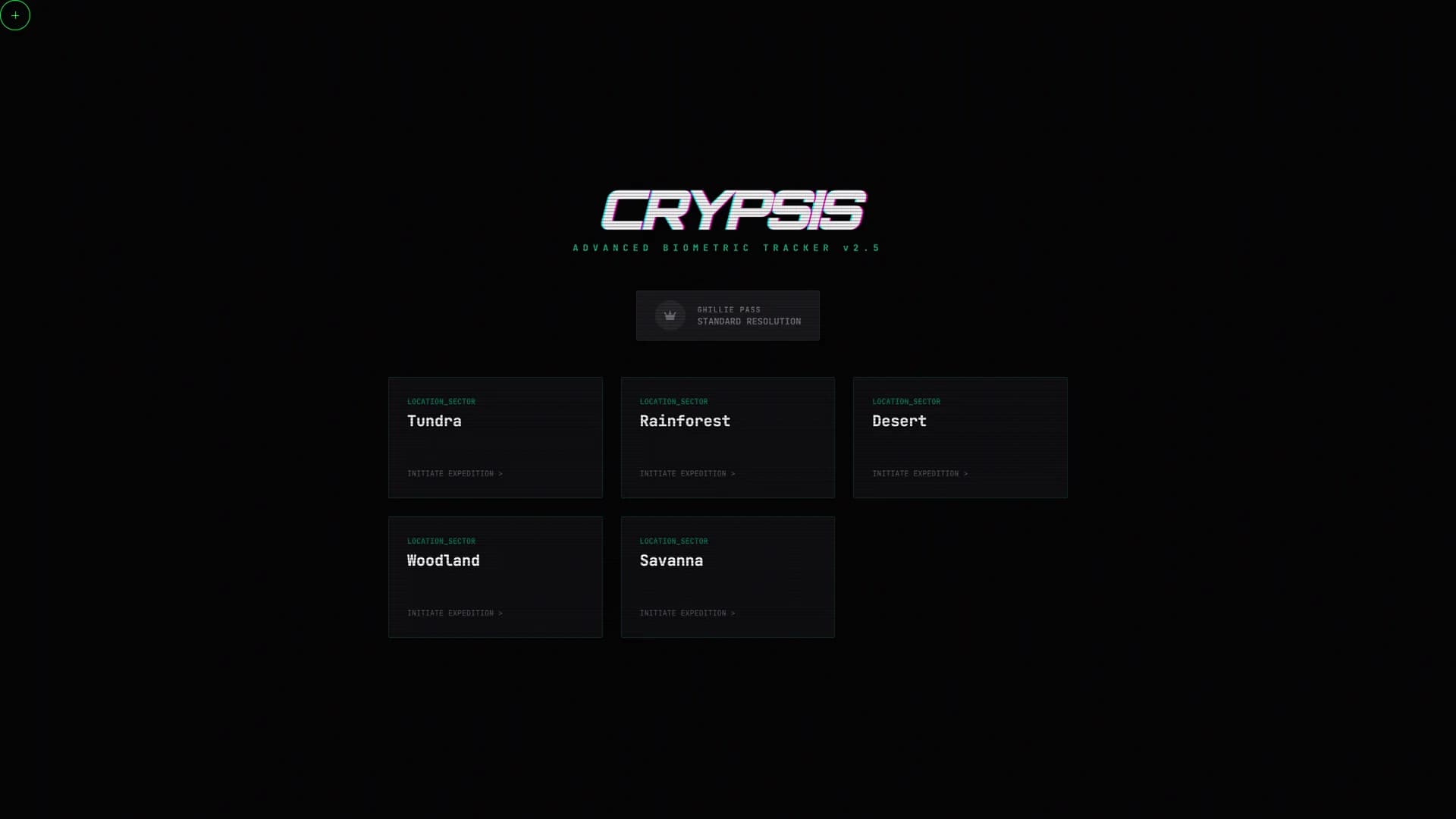
Mission briefing — choose a biome, then Gemini generates a photorealistic scene with a hidden animal.
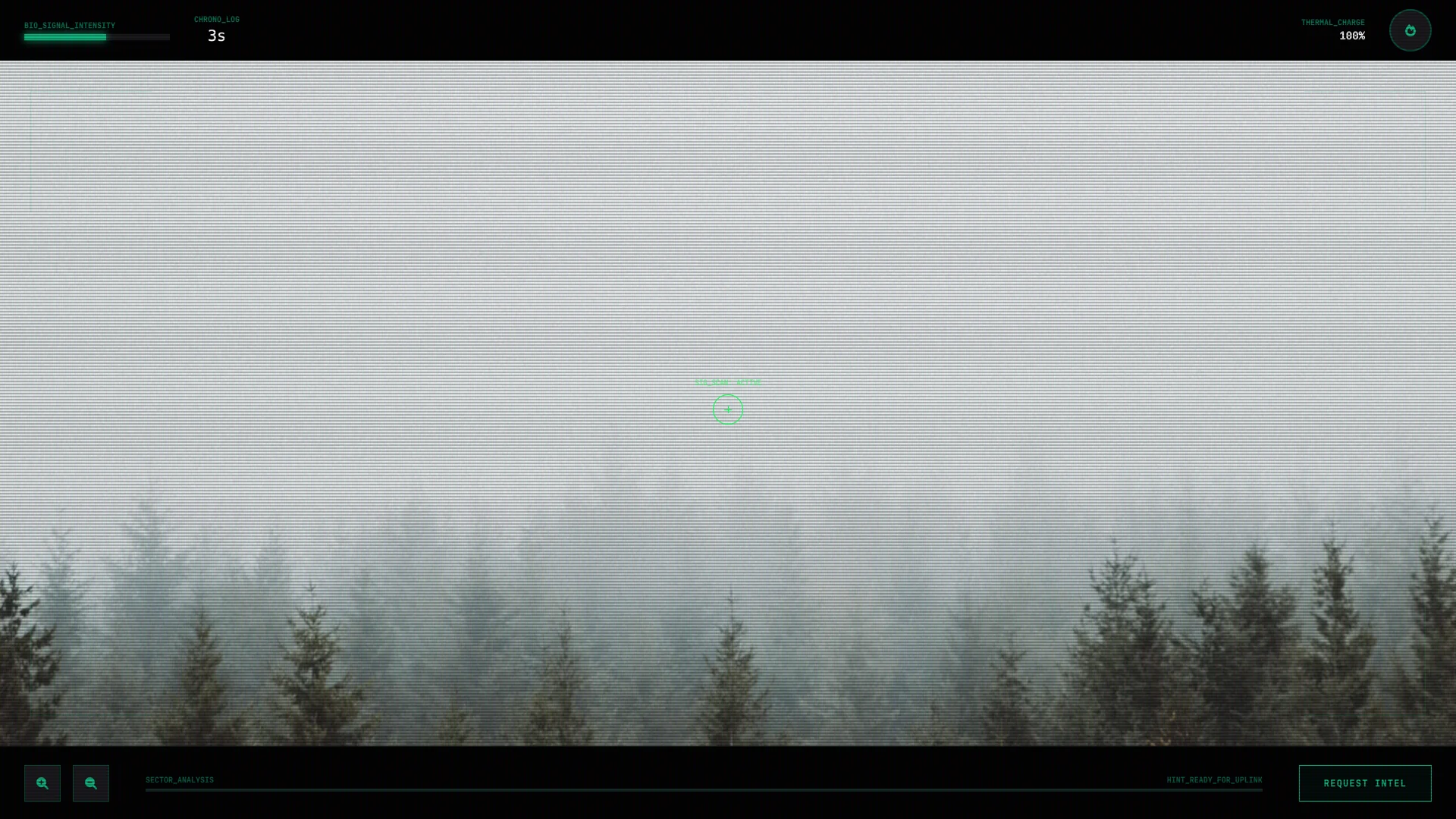
A single-evening build from AI Studio export to working game. Crypsis uses Gemini's image generation to create photorealistic nature scenes with a real animal hidden inside — then uses a second Gemini call to locate the animal, generate progressive hints, and produce a biological camouflage fact card. The interesting engineering wasn't the React game loop — it was discovering that good AI camouflage requires species-specific hiding instructions, not just "put an animal in a scene." Each biome got its own prompt architecture with environment textures, shadow-matching rules, and explicit anti-centering constraints. The Tawny Frogmouth test was the turning point: the bird genuinely looked like a broken tree branch.
Timeline
Dropped into a fresh AI Studio export with zero context and one rule: map the whole room before you turn the lights on. The codebase was a Vite + React project called Crypsis — a camouflage hunting game that generates nature photographs with Gemini and hides a real animal in them. Two-stage pipeline: gemini-3-pro-image-preview for photorealistic scene creation, gemini-2.5-flash for structured analysis (bounding box, progressive hints, field brief). The bones were solid — 5 biomes, a military HUD with CRT scanlines, thermal vision, signal strength meter. The only hard blocker was the window.aistudio API key gate — outside AI Studio, instant crash. Fixed a JSX syntax error, surveyed every file, and wrote the recon report. Verdict: genuinely creative, architecturally simple, worth the kitchen time.
The start screen rendered perfectly — five biome cards, a Ghillie Pass toggle, scanline overlay — and then you click a biome and nothing happens. The API key was a placeholder. Dropped in a real Gemini key and the two-stage pipeline lit up: image generation, then structured JSON analysis for bounding box, hints, and nature facts. But the game loop was broken in three places. Timer was static — never ticked. State never reset between rounds. And the bounding box coordinates came back in two different scales (0–1 vs 0–100) depending on which way Gemini felt like answering. Fixed the timer with a setInterval effect, wrote a proper reset callback, and added normalization that detects which scale Gemini returned and converts to percentages. Three biomes tested, three clean rounds. The difference between "this might work" and "this actually plays" was about 30 minutes of debugging state management nobody thinks about.
The first generated images were fine as photographs but terrible as camouflage. The animal was always dead center, obviously the subject, clearly composited onto the scene. That defeats the entire game. Rewrote every biome prompt with three layers: a rich environment description (the specific rocks, bark textures, lighting angles), a texture-matching target (what the animal's fur/scales/feathers need to blend with), and explicit hiding instructions (partial occlusion, off-center placement, shadow-consistent lighting). Each biome got its own animal with species-specific camouflage behavior — the Snow Leopard presses flat against lichen-mottled granite, the Leaf-Tailed Gecko eliminates its shadow line against tree bark, the Tawny Frogmouth closes its eyes and becomes a branch stub. First test: Woodland. The frogmouth genuinely looked like dead wood. Not "kind of blends in" — actually hard to spot. That's the moment it went from tech demo to game.